Cisco IPsec VPN Configuration
Configure secure site-to-site connectivity for sensitive data transmission
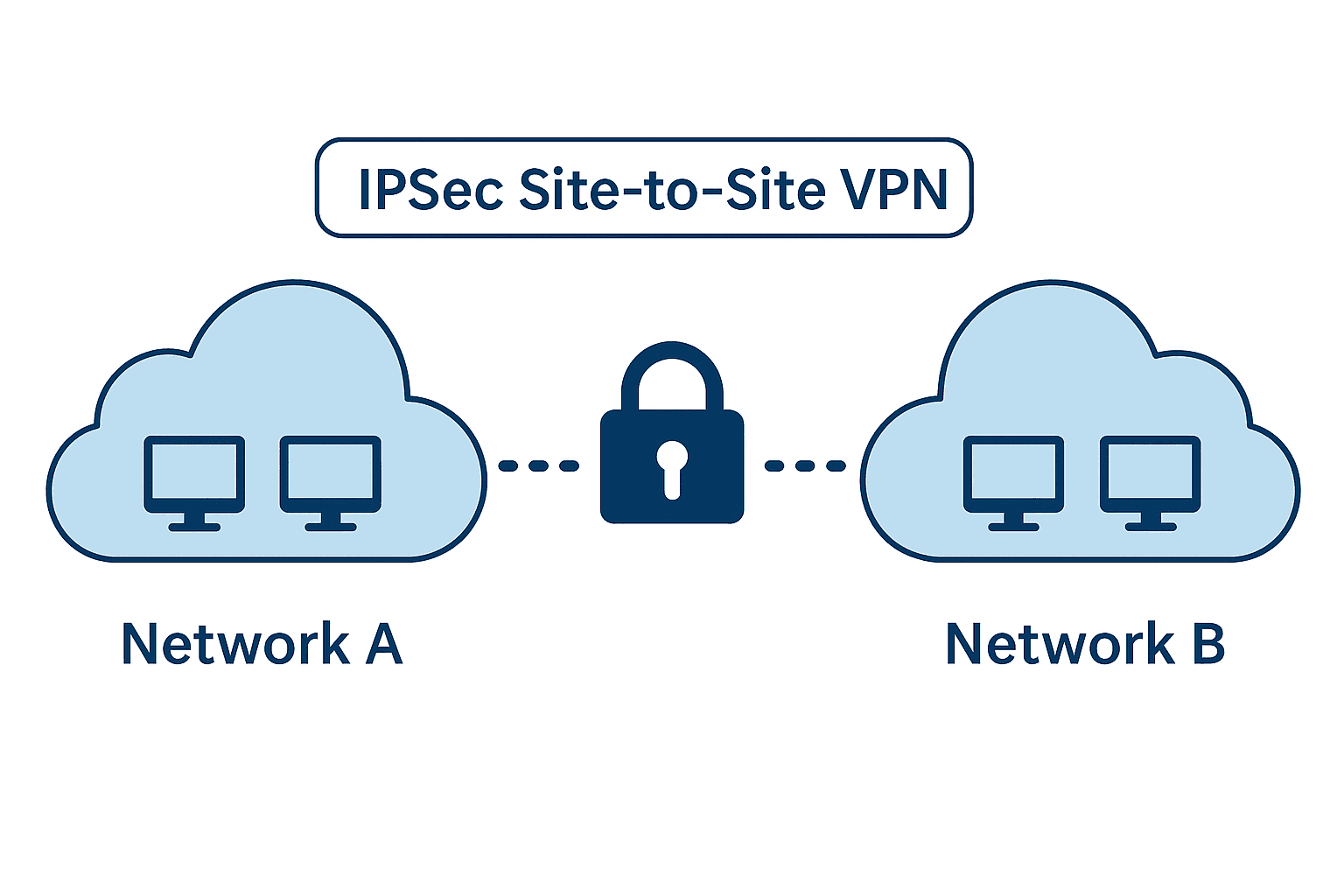
Internet Protocol Security (IPsec) provides a robust framework for securing IP communications through authentication, integrity verification, and encryption. Organizations handling sensitive data require strong encryption mechanisms to ensure data confidentiality during transit across public networks.
Prerequisites
- Network emulation platform (GNS3, EVE-NG, PNET LAB)
- Cisco IOS image: i86bi_linux_l3-L3-ADVENTERPRISEK9-M-15.4-2T.bin
- Two routers with WAN connectivity
- Basic connectivity verified between sites
Network Topology
Site A Configuration
- LAN Network: 192.168.10.0/24
- Sensitive Asset (SV1): 192.168.10.10
- WAN Interface: 203.0.113.1/30
Site B Configuration
- LAN Network: 192.168.20.0/24
- Sensitive Asset (SV2): 192.168.20.21
- WAN Interface: 203.0.114.1/30
Step 1: Configure ISAKMP/IKE Phase 1
Phase 1 establishes the secure management connection between sites. Configure identical parameters on both routers.
Site A Configuration
crypto isakmp policy 1
 encryption aes
 hash sha256
 authentication pre-share
 group 2
 lifetime 86400
exit

crypto isakmp key NAXSLABS address 203.0.114.1
Site B Configuration
crypto isakmp policy 1
 encryption aes
 hash sha256
 authentication pre-share
 group 2
 lifetime 86400
exit

crypto isakmp key NAXSLABS address 203.0.113.1
Phase 1 Parameters Explained
- Encryption: AES for data encryption
- Hash: SHA-256 for integrity verification
- Authentication: Pre-shared key method
- DH Group: Diffie-Hellman group 2 for key exchange
- Lifetime: 86400 seconds (24 hours) for SA duration
Step 2: Define Interesting Traffic
Create access control lists to identify traffic requiring IPsec protection.
Site A ACL
ip access-list extended NAXSLABSVPN-ACL
 permit ip 192.168.10.0 0.0.0.255 192.168.20.0 0.0.0.255
Site B ACL
ip access-list extended NAXSLABSVPN-ACL
 permit ip 192.168.20.0 0.0.0.255 192.168.10.0 0.0.0.255
Step 3: Configure IPsec Phase 2
Phase 2 defines how data is protected within the tunnel. Configure transform sets and crypto maps.
Site A Configuration
crypto ipsec transform-set NAXSLABSTS esp-aes esp-sha256-hmac
exit

crypto map NAXSLABSCM 10 ipsec-isakmp
 set peer 203.0.114.1
 set transform-set NAXSLABSTS
 match address NAXSLABSVPN-ACL
exit

interface ethernet0/1
 crypto map NAXSLABSCM
Site B Configuration
crypto ipsec transform-set NAXSLABSTS esp-aes esp-sha256-hmac
exit

crypto map NAXSLABSCM 10 ipsec-isakmp
 set peer 203.0.113.1
 set transform-set NAXSLABSTS
 match address NAXSLABSVPN-ACL
exit

interface ethernet0/1
 crypto map NAXSLABSCM
Phase 2 Components
- Transform Set: Defines ESP encryption (AES) and authentication (SHA-256 HMAC)
- Crypto Map: Associates peers, transform sets, and interesting traffic
- Interface Application: Applies crypto map to WAN interface
Step 4: Verification and Testing
Verify IPsec Status
# Verify IPsec Status
show crypto isakmp sa
show crypto ipsec sa
show crypto map
Test Encrypted Communication
# Test Communication
1. Start packet capture on WAN interface
2. Generate traffic between sensitive assets:
   # From SV1 (192.168.10.10)
   ping 192.168.20.21

# Analyze Capture Results
Before IPsec: Clear ICMP packets visible
After IPsec: Only ESP (protocol 50) packets visible
Troubleshooting
Common Issues
- Mismatched Phase 1 policies: Ensure identical encryption parameters
- Incorrect peer addressing: Verify WAN IP addresses
- NAT interference: Exclude VPN traffic from NAT
- Access list errors: Confirm interesting traffic definitions
Debugging Commands
debug crypto isakmp
debug crypto ipsec
show crypto engine connections active
Conclusion
This IPsec implementation provides enterprise-grade encryption suitable for protecting sensitive data across untrusted networks. The configuration ensures data confidentiality, integrity, and authentication between remote sites using industry-standard encryption protocols.
Security Reminder: Use strong, unique pre-shared keys for each site pair and implement regular key rotation for optimal security.